
Performance Intelligence
Core Web Vitals, transfer budgets, request pressure, cache signals, and the first optimization worth shipping.
PerfLens turns DevTools context, Core Web Vitals, SEO checks, accessibility findings, and audit history into clear next steps for developers reviewing a web release.
What it is
A Chrome DevTools extension for fast performance, SEO, and accessibility reviews.
Who it helps
Frontend developers, product builders, and reviewers who need practical release evidence.
Why trust it
Local-first audits, narrow permissions, product screenshots, changelog, and open-source paths.
94
Performance audit score
4
Core Web Vitals tracked
3
Evidence export paths
0
Remote data storage by default
Performance
94
+12 from last audit
SEO
91
3 metadata checks passed
Accessibility
87
2 contrast issues
Performance trend
Last 8 deploy audits
LCP
1.8s
Good
INP
96ms
Good
CLS
0.04
Stable
TTFB
420ms
Watch
SEO + accessibility
Optimization queue
Render-blocking CSS
310ms
High impact
Missing image dimensions
4 nodes
Layout stability
Duplicate meta description
2 pages
SEO cleanup
01 / Overview
PerfLens is positioned as a serious developer platform: clear problem framing, realistic product UI, visible trust signals, technical depth, and open-source contribution paths.
The page now presents PerfLens as a complete developer workflow: discover, audit, prioritize, export, and contribute.
GitHub, issue creation, contribution guidance, release notes, and roadmap signals are visible without burying users.
Screenshots, architecture notes, permissions, and changelog content support product maturity and Tech Nation-style evidence.
02 / Architecture
A mature developer platform needs more than a good-looking dashboard. PerfLens explains the browser surface, analysis engine, and evidence layer in a way that technical evaluators can scan quickly.
Chrome DevTools workflow with active-tab execution and narrow permissions.
Performance, SEO, accessibility, network, and best-practice checks converted into developer signals.
Local history, exportable reports, and concise summaries designed for engineering review loops.
03 / Installation
The setup flow is designed for credibility: a public distribution path, local development instructions, and a clear route into the GitHub project.
Open the PerfLens listing, add the extension to Chrome, then pin it for quick access during audits.
Open Chrome Web Store# Local development workflow
npm install
npm run build
# Chrome
# Extensions -> Developer mode -> Load unpacked -> select the extension build folder04 / Product Capabilities
PerfLens presents concrete engineering workflows instead of vague marketing claims: scoring, diagnostics, prioritization, DevTools context, and exportable evidence.
Core Web Vitals, transfer budgets, request pressure, cache signals, and the first optimization worth shipping.
Image, script, CSS, SEO, accessibility, and best-practice findings ranked by developer impact.
Run audits where developers already inspect problems, using active-tab and network context responsibly.
Export clear audit summaries for pull requests, issue trackers, portfolio evidence, and stakeholder reviews.
05 / Developer Trust
A credible browser extension must explain what it touches and why. PerfLens frames each permission around a practical audit responsibility and keeps the trust model visible.
Allows PerfLens to audit the current page only when you run it from the extension.
Injects lightweight checks into the inspected page so runtime metrics can be collected.
Keeps recent audits and settings locally, including history views and export preferences.
Reads network context in supported sessions to explain requests, cache policy, and transfer behavior.
06 / Evidence
The page now surfaces product maturity signals that evaluators can understand quickly: production surface, technical depth, and community readiness.
Published Chrome Web Store pathway, polished landing page, and product screenshots.
Performance scoring, web vitals, network-aware audits, and recommendation logic.
Contribution checklist, issue flow, roadmap, changelog, and repository links.
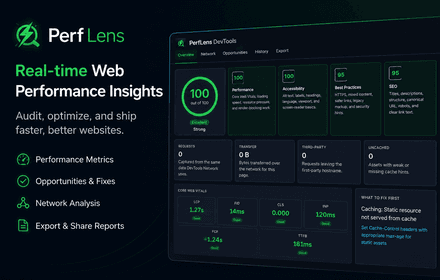
07 / Product UI
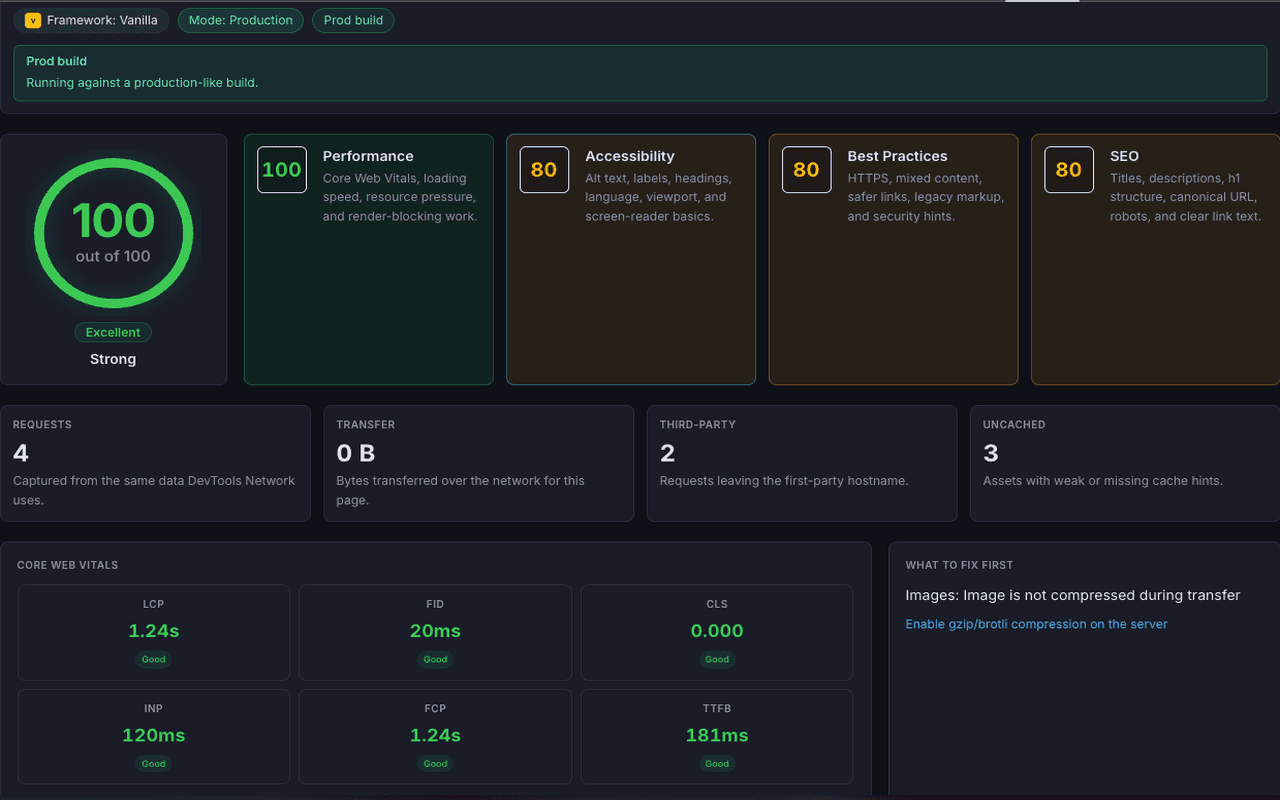
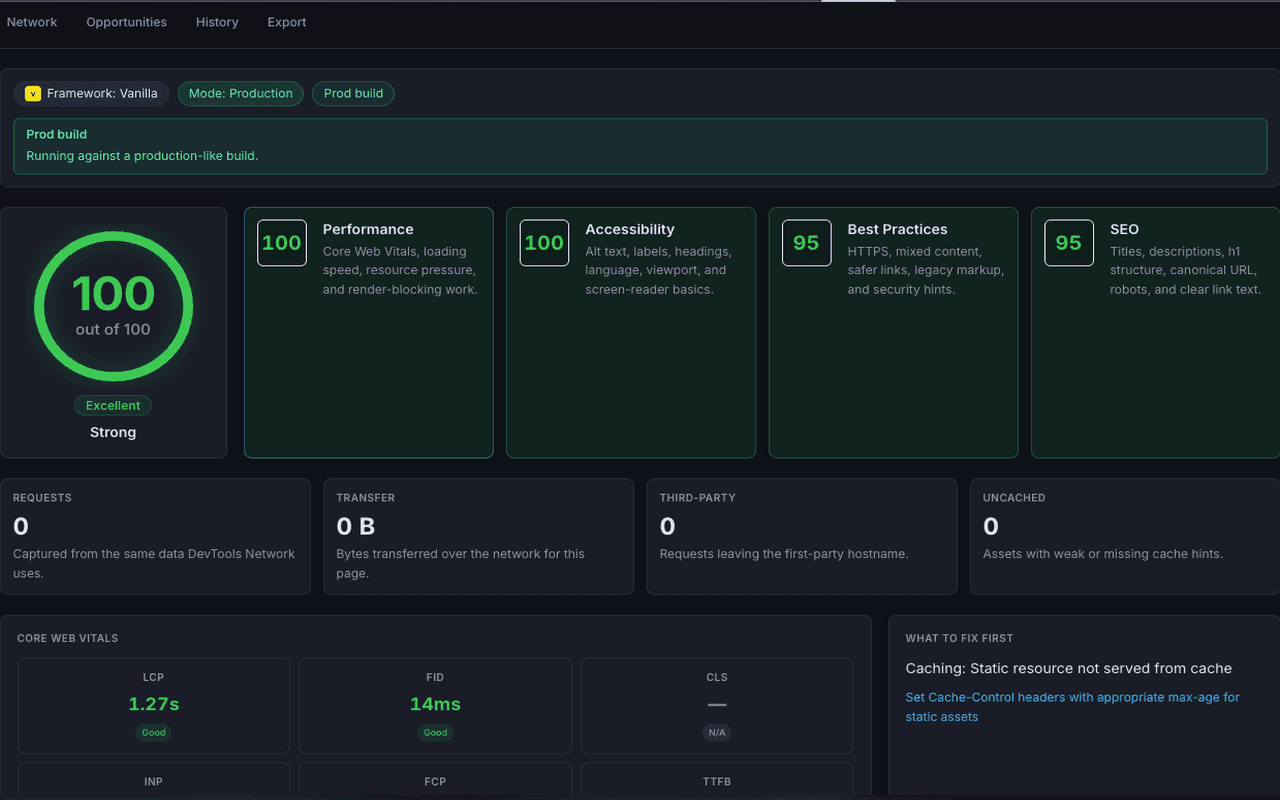
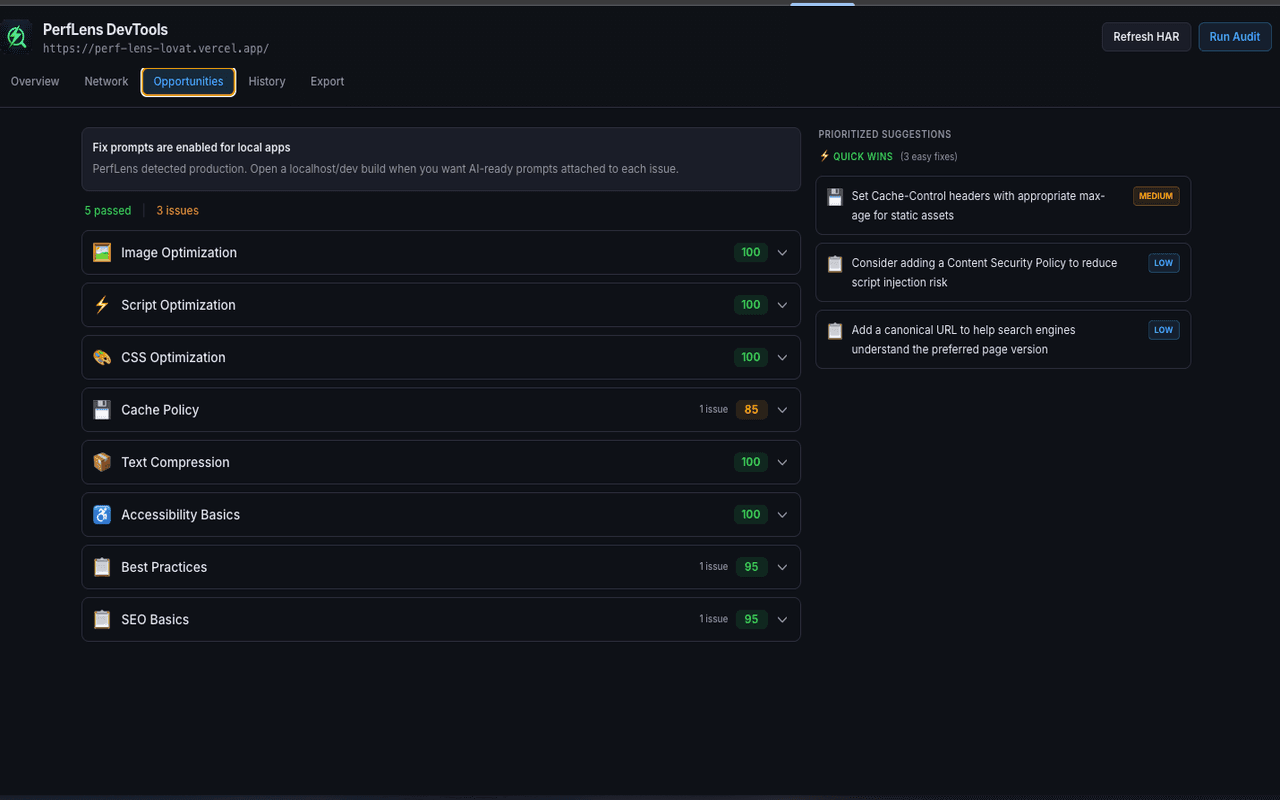
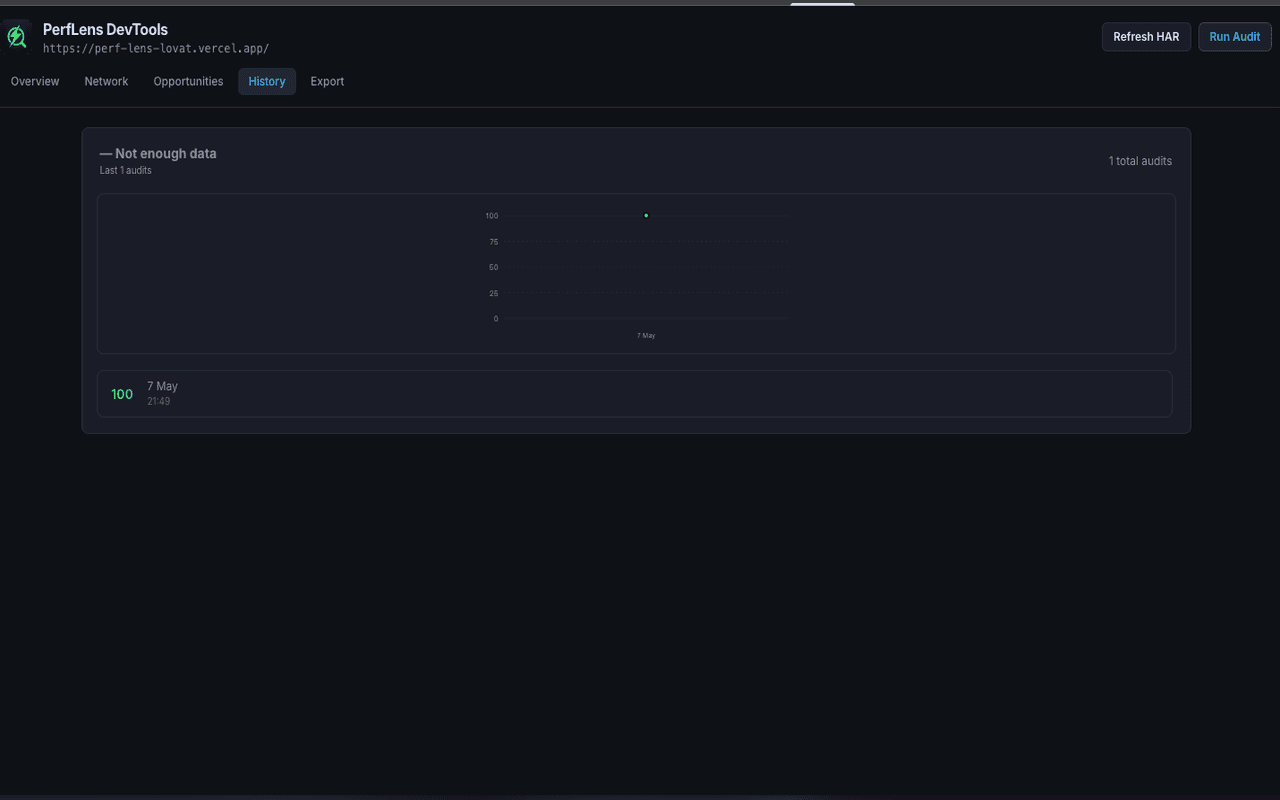
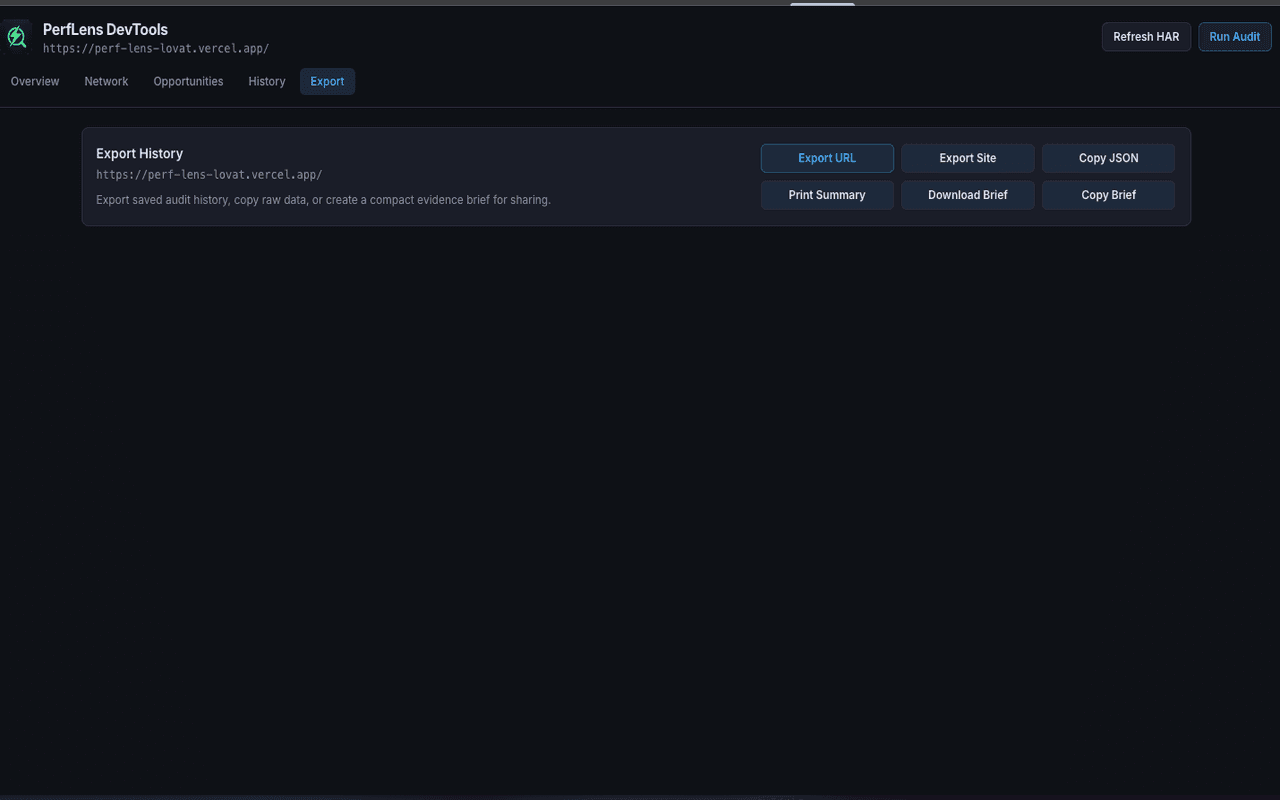
Screenshots make the product tangible. They show the actual dashboard, production audit state, opportunities, history, and export workflow.
08 / Reliability
Mature developer products anticipate setup friction and explain likely causes without hand-waving.
Refresh HAR, reload the target page, then run the audit again so PerfLens can observe the request waterfall.
PerfLens is optimized for quick developer feedback from DevTools context, so use it as a fast review layer beside deeper lab testing.
Run the app in a local development environment and ensure the inspected tab is the active Chrome tab.
09 / Changelog
Clear release notes show that PerfLens is moving through real product iterations rather than existing as a static portfolio mockup.
Added report export flows, audit history, and evidence-oriented summaries.
Expanded issue detection across performance, SEO, accessibility, and asset quality.
Introduced the core DevTools audit dashboard and scorecard workflow.
10 / Open Source
The project presents a clear path for issues, pull requests, verification notes, and product-quality contributions.